Django meets Google Secret Manager
Django meets Google SecretManager
One of the most common things you need to manage when developing an application is .. Where the hell should I keep my passwords? and not just where to keep them, how to access them in a secure way?.
You can find different tutorials on using GCP Secret Manager API with Python but here you can find an example of handling Django settings.py passwords or certs querying GCP Secret Manager API.
First of all you need to enable the SecretManager API.
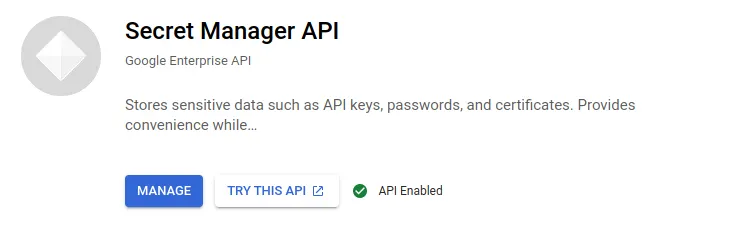
Then you need to create your secrets, upload your files, set versions and enable the secrets.
Having all that configured, let’s go to the code..
You need to have installed at least the google-cloud-secret-manager python package
pip install google-cloud-secret-manager
Wherever you what to use it you need to import the module in your code:
from google.cloud import secretmanager
In my case I have created two different functions, one to get the recovered decoded utf8 string directly to the settings.py file and another for donwload and write to disk the ssl certificates for database secure access.
The function below get_secret gets secretname as parameter, then with values from the settings file as PROJECT_ID creates the full_name of the secret. With this information calls the secretmanager client and decodes the data payload as utf8.
This final value, the decoded password, is used in the settings.py file, examples are provided at the end.
I have configured Postgresql instances secure access with SSL certificates so I need to download them in order to connect to the db from the instances.
To do so, I call get_secret inside another function that stores the secret, the ssl certificate here, and set the file permisions on the instance filesystem.
This function requires the secretname and filename as parameters.
Example:
In the settings file for getting the database password you can use in the DATABASES dictionary for the key PASSWORD these:
‘PASSWORD’: ‘%s’ % (get_secret(‘mysecretkey’)),
where mysecretkey is the name of the password in Google SecretManager.
Remember to import the functions get_secret and get_secret_and_write_to_file in the settings file to use it.
I hope you find it usefull. Anyway please comment how you solve this.
You can get more content at https://twitter.com/jdelafuente